Trouble sending mail from one IMAP-account
Hi,
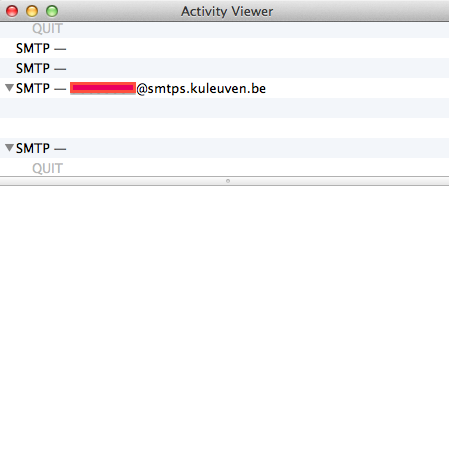
I'm currently trying out Mailmate with 7 IMAP-accounts and am liking it a lot, but have trouble sending (but not receiving) mail from one of my accounts. The error message I get is the following: "Time limit (60s) reached while trying to read data." (the number of seconds sometimes varies). When I retry with the Activity Viewer open, the same happens and the Activity Viewer shows absolutely no activity: below the name of the SMTP-server are just two blank lines (see screen shot attached). Any help to resolve this would be most appreciated.
Best
Jeroen
-
 activity_viewer.png
25.7 KB
activity_viewer.png
25.7 KB

-
 benny
bennyThanks for trying out MailMate.
I tried connecting to the SMTP server and at least port 587 should work. Try setting that explicitly in “File ▸ Edit IMAP Account ▸ …”.
Are you using a test release (I'm guessing based on the varying timeout values)? Make sure you use the latest one: Hold down ⌥ when clicking “Check Now” in the Software Update preferences pane.
-
Jeroen van Craenenbroeck
Hey Benny,
Thanks a lot for the quick and very helpful reply. Switching to port 587 indeed did the trick (and you were right about me not using the most recent test release). I've just purchased my Mailmate User License; thanks for making (and supporting) such a great app!
Best
Jeroen -
Please Sign in or create a free account to add a new ticket.
With your very own profile, you can contribute to projects, track your activity, watch tickets, receive and update tickets through your email and much more.